 SpeedTest
↕
Speed Test
Measure latency, download, and upload against Cloudflare test endpoints, then keep recent results locally.
 SpeedTest for iPhone
Measure connection performance, investigate common problems, and keep the network tools you actually use in one focused app.
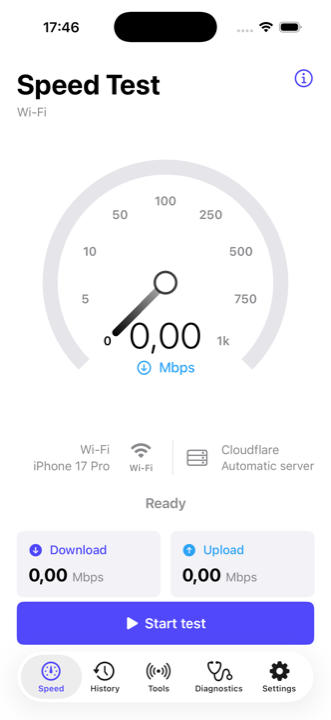
The app starts with an approachable test, then gives you dedicated views for the next question.
Measure latency, download, and upload against Cloudflare test endpoints, then keep recent results locally.
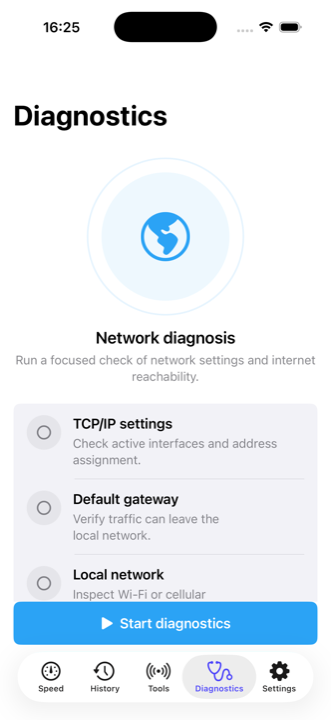
Walk through TCP/IP, route, local network, DNS, internet access, and public IP checks.
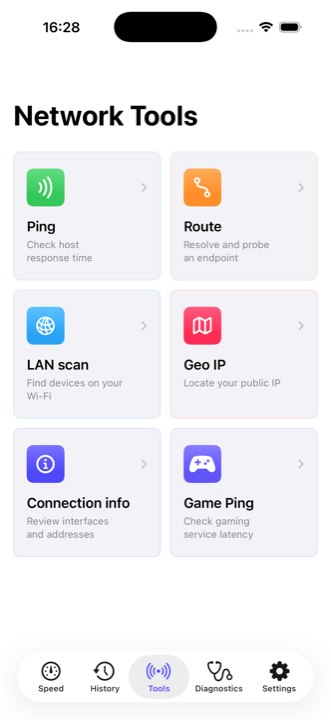
Use Ping, Route, LAN Scan, Geo IP, Connection Info, and Game Ping from a simple grid.
SpeedTest uses a familiar meter, readable result cards, and a tool grid designed for repeated use.
The iPhone app does not require an account. Test history and preferences remain on the device, while each network operation necessarily contacts its test provider or destination.
Download SpeedTest from Apple’s App Store.